

Resource budgets
A resource budget is the primary Database Traffic Control® configuration mechanism. It defines how much database resource a specific slice of traffic is allowed to consume. A resource budget:- Applies to traffic that matches one or more rules, which can be a specific query, a system attribute, or a combination of SQLCommenter tags.
- Defines limits on resource consumption (capacity, rate, burst, concurrency)
- Handles responses in a mode (Enforce, Warn, Off)
- Is scoped to a specific database branch
Resource budget limits
When a query to the database arrives, Database Traffic Control first checks whether it matches any resource budget rules. If a match is found, the cost of executing the query is estimated, and the limits in that resource budget determine whether the query is allowed, warned, or blocked.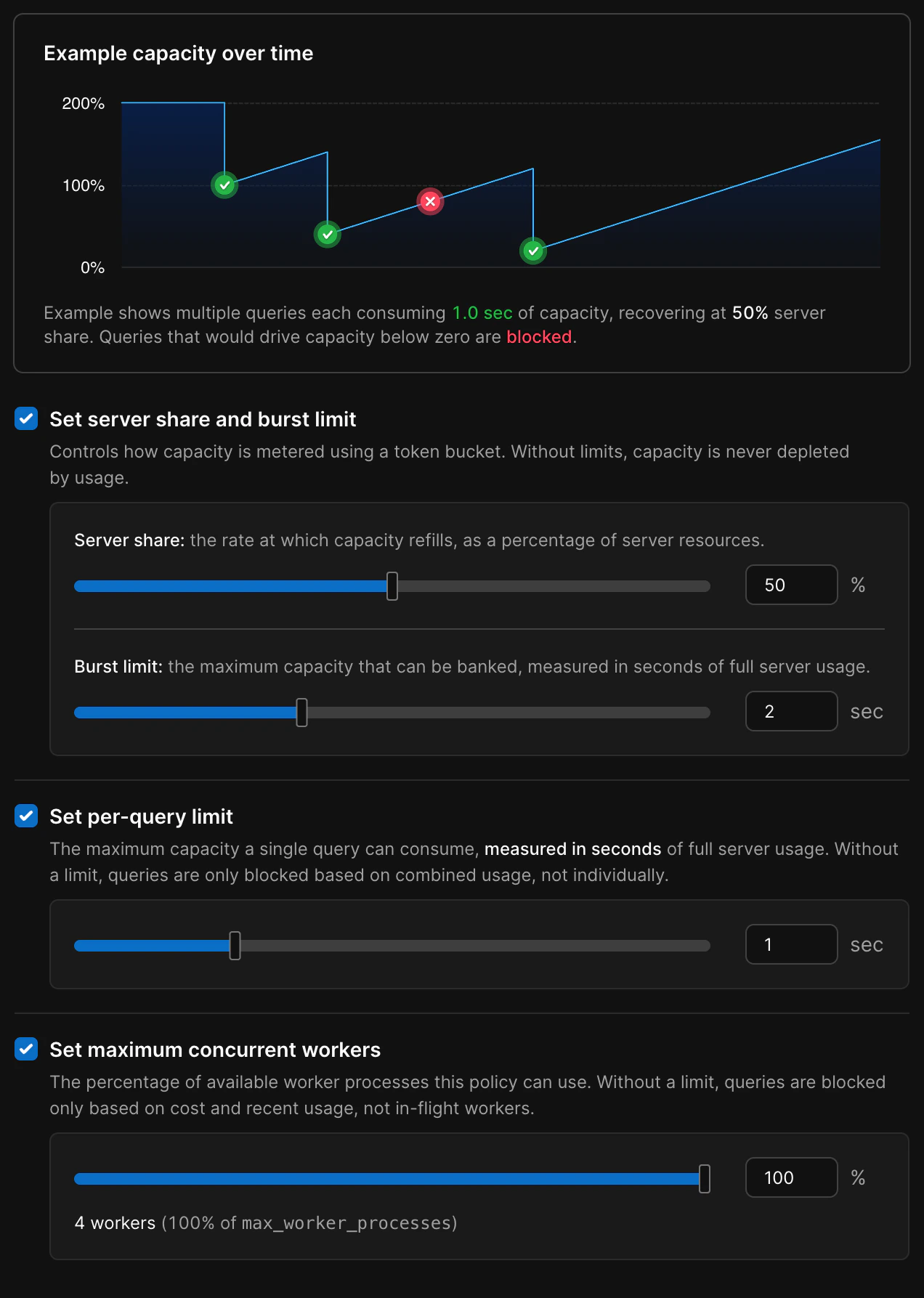
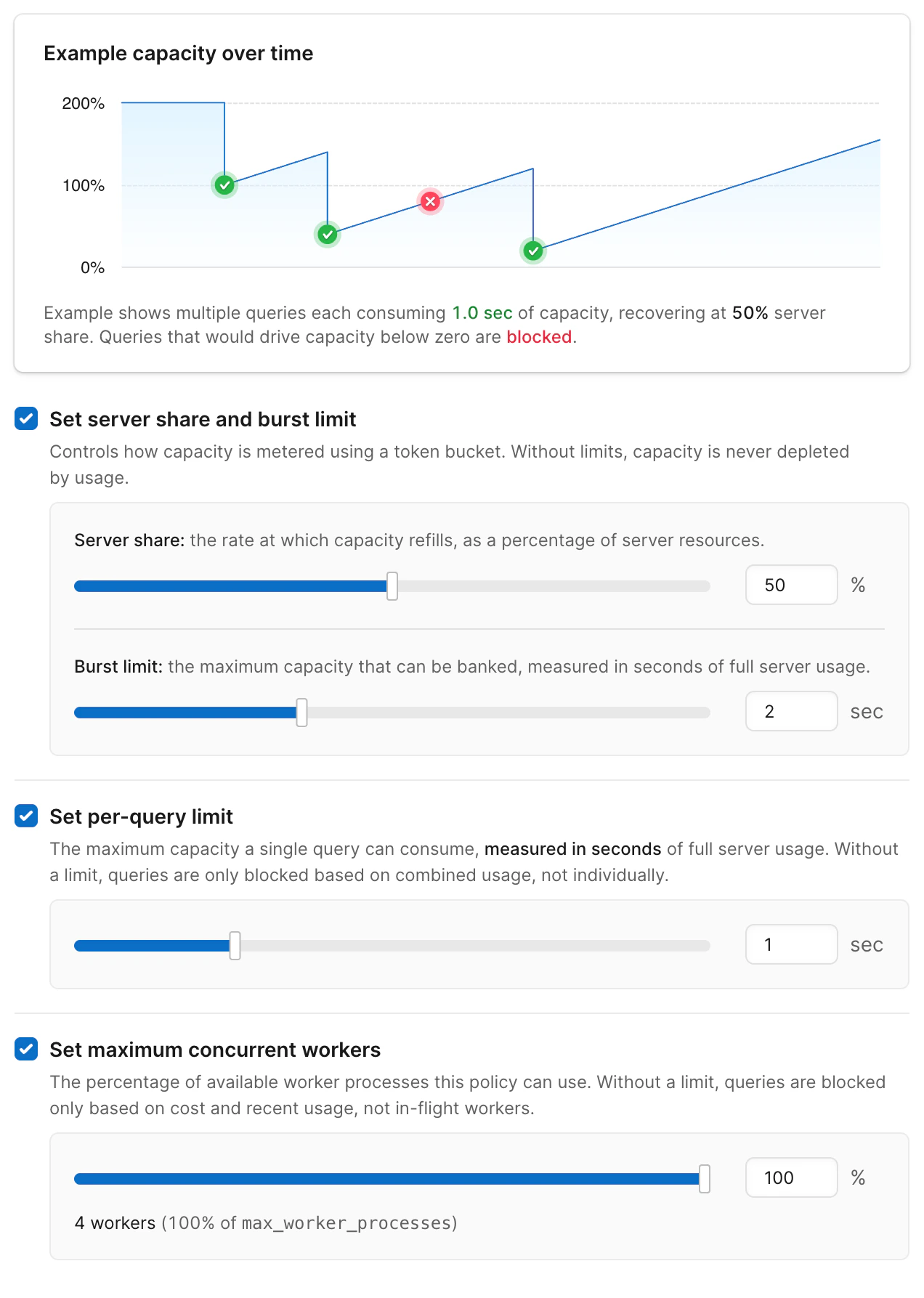
Each resource budget contains optional settings to control the amount of resources a specific traffic slice can use.
- Server share - The max percentage of overall system resources available to queries managed by this budget.
- Burst limit - Burst limit is the maximum short-term CPU burst your server can use above its steady share, measured in whole-server seconds and refilled gradually over time.
- Per-query limit - The maximum resources any individual query can use, as a percentage of server resources in the first second.
- Maximum concurrent queries - Percentage of available worker processes this policy can use
How resource budgets are estimated
Database Traffic Control estimates the cost of the query based on the recent behavior of similar queries. If the estimated cost exceeds the resource budget limits, the decision to block is enforced or a warning is issued, depending on the mode setting.- There is insufficient capacity to handle the query:
fill_level + estimated_cost > capacity - The query is too expensive on its own:
estimated_cost > burst
Modes: Enforce, Warn, Off
Each resource budget has a mode that controls how strictly it is applied.

You can set the mode of a resource budget to Enforce, Warn, or Off.
- Enforce
- Limits are active
- Queries that exceed limits are blocked
- Violation counts are recorded and visible in the UI
- Best choice for stabilizing workloads
- Blocked queries return with the code
53000and a message from[PGINSIGHTS] Traffic Control:and, the ID of the resource budget that blocked the query and the limit that was exceeded
- Warn
- Limits are evaluated, but not enforced
- Queries always continue
- Violation counts are recorded and visible in the UI
- Best choice for initial rollout or tuning
- Query response contains a message indicating the query would have been blocked by Database Traffic Control, and which limit was exceeded
- Off
- The resource budget does not participate in matching
- No violations are recorded
- Create a resource budget in Warn mode
- Observe violation patterns and adjust limits
- Switch to Enforce once you are confident in the configuration
Warning thresholds on enforced budgets
Enforced resource budgets can also emit warnings before queries are blocked. You can set a separate warning threshold as a percentage of the burst limit, per-query limit, or concurrency limit. When a query’s estimated cost crosses the warning threshold but stays below the enforced limit, the query runs normally and the client receives a SQL notice with the[PGINSIGHTS] Traffic Control: prefix — the same format used in Warn mode.
This gives you early visibility into workloads that are approaching their limits, so you can investigate and adjust before queries start getting blocked.
Warning thresholds are optional. If not set, only the enforced limits apply.
Response messages
Resource budgets in Warn or Enforce mode attach a message to the SQL response when a limit would be or was exceeded. Messages use the prefix[PGINSIGHTS] Traffic Control:, followed by the ID of the resource budget that blocked the query and the limit that was exceeded.
- Enforce — The query is blocked. The client receives a SQL error with SQLSTATE
53000and a message that includes[PGINSIGHTS] Traffic Control:and the reason. Treat this as a failed statement and use retry or fallback logic as needed. - Warn — The query still runs and returns a normal result. The client also receives a SQL notice (warning) whose text includes
[PGINSIGHTS] Traffic Control:and the reason. Log or surface these notices for observability while tuning limits before enforcement.
53000 on blocked queries, by matching this prefix in error or notice text, or both.
Rules
Resource budgets apply to specific traffic based on matching against a rule. Rules can be individual queries, system attributes, or tags. System attributes and tags are matched on key-value pairs. System attributes are created automatically when using Postgres, while tags must be added to your queries. You can combine rules withAND logic so that multiple rules must match, or OR logic so that any one of the rules must match, for the resource budget to apply.
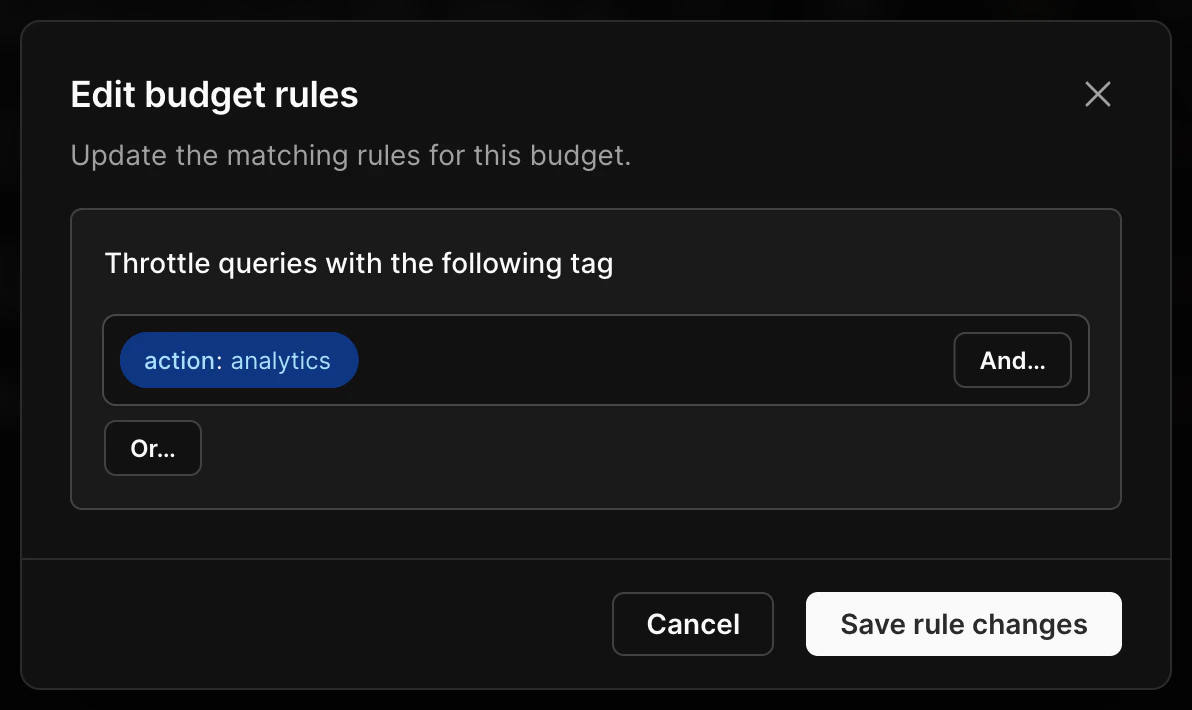
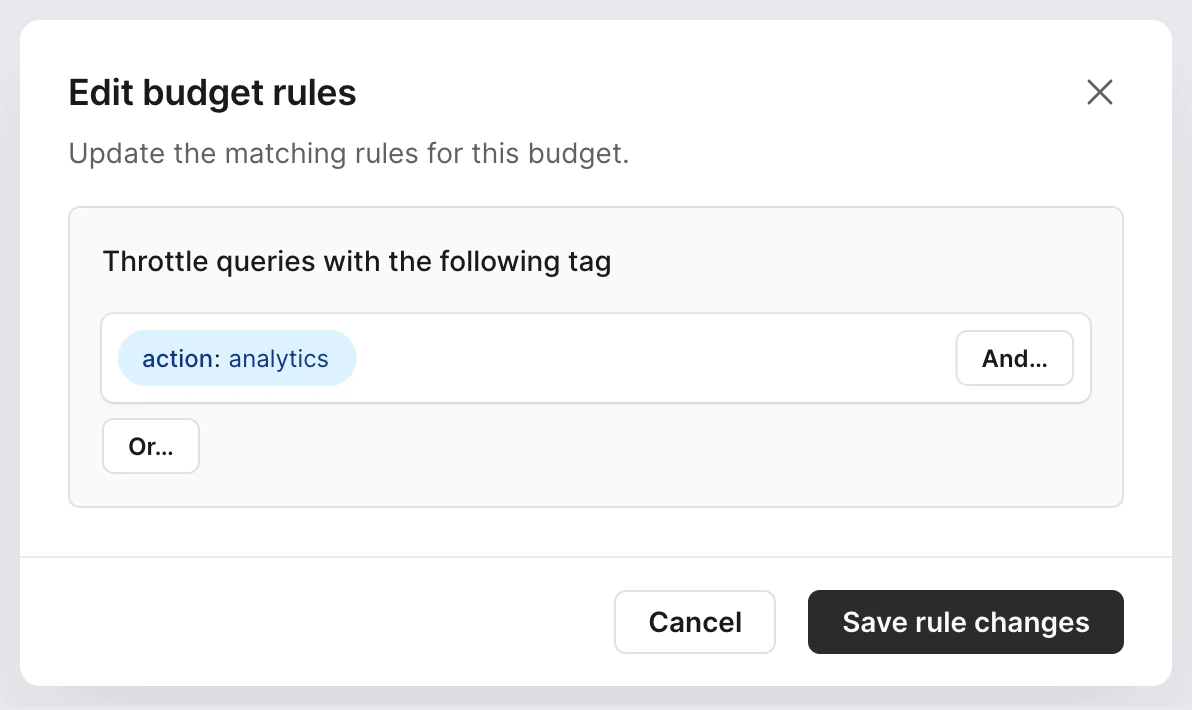
This rule will match any query that contains the action='analytics' tag
System attribute rules
System attribute rules match key-value pairs that Postgres automatically provides for each connection. You can write rules that match against any of the following:
To create a system attribute rule, traffic matching that attribute must have recently executed queries.
Usage examples include:
- Limit analytics queries by having them connect as a dedicated database user, like
analytics_userand matchingusername = analytics_user - Isolate traffic from a known internal service that connects from a fixed IP range by matching
remote_address - Target a specific service without creating separate database users by matching
application_name
Tag-based rules
Tag rules match against key-value pairs that your application attaches to queries using the SQLCommenter format. A tag rule targets one or many queries that share the same tag. To create a tag-based rule, recently executed queries must have included the tag. Tag rules can also match each unique value for a selected tag key. This creates separate active budget tracking for each tag value, such as each application, worker pool, user, or tenant, without creating a separate rule for every value.Rules that match each tag value use shared memory for every active value. The active values are stored in an LRU cache controlled by
traffic_control.shm_size. The default 64kB size tracks about 600 active budget entries at once, while the maximum 1MB size tracks about 10,000.You can use this with more total tag values than fit in the cache, as long as the number of recently active values stays within the configured size for the time window Traffic Control needs to remember.- Feature flags or code paths, such as
feature='beta_checkout' - Application tags, such as
app='web' - Route-level targeting, such as
route='api-export'
Query-based rules
Target a specific query by using the query itself as the rule. You can create query-based rules by finding the query in the Insights page and clicking Create resource budget.

Matching multiple rules
Resource budget rules may contain several attributes combined withAND or OR logic.
A query may also match more than one resource budget. For example, a query might match one resource budget based on its system attribute username and another based on an application tag.
When a query matches multiple resource budgets, it must satisfy all of them. If any matching resource budget would block the query, the query is blocked. Multiple resource budgets are combined with AND logic, not OR.