

- Ensure critical application paths stay alive even when the database is under pressure
- Isolate noisy analytics or reporting workloads from user-facing traffic
- Put guardrails around third‑party integrations and batch jobs
- Gradually introduce new features without risking the stability of production
Why this matters
When a database becomes overwhelmed, the typical outcome is a complete outage. Every query fails. Every user is affected. The entire application goes down. Database Traffic Control changes the failure mode. Instead of total collapse, you define which workloads are allowed to be shed under pressure and which should have higher limits. You choose which non-critical queries fail while higher priority workloads like checkout and authentication continue to function. This is the difference between a degraded experience and a site-wide incident. Database Traffic Control gives you the ability to keep your application running—even when something has gone wrong.When should I use it?
Instances where Database Traffic Control is useful include:- Emergency situations to stop out-of-control queries Immediately apply resource budgets to a single runaway query to prevent it from running again.
- Running OLTP and OLAP workloads on the same database For example, user‑facing application traffic shares a cluster with heavy analytics queries.
- Extract, transform, load (ETL) jobs that you do not fully control An external tool or script might periodically generate high QPS or expensive queries.
- Launching new features with unknown query patterns You want to ship to production, but be confident that mistakes are contained.
- Supporting multiple tenants on the same cluster You want to ensure that no single tenant can consume all resources at the expense of others.
Key capabilities
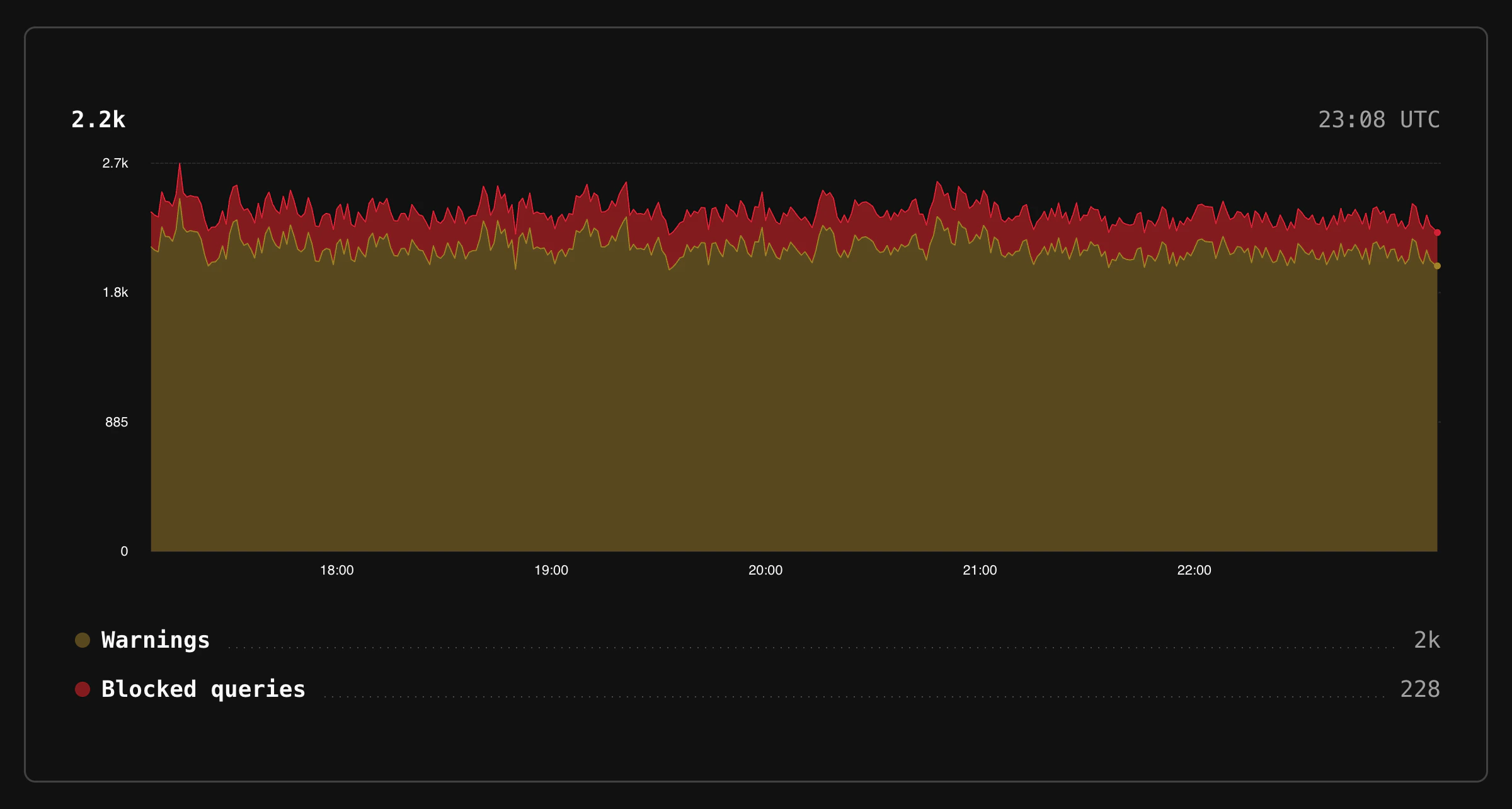
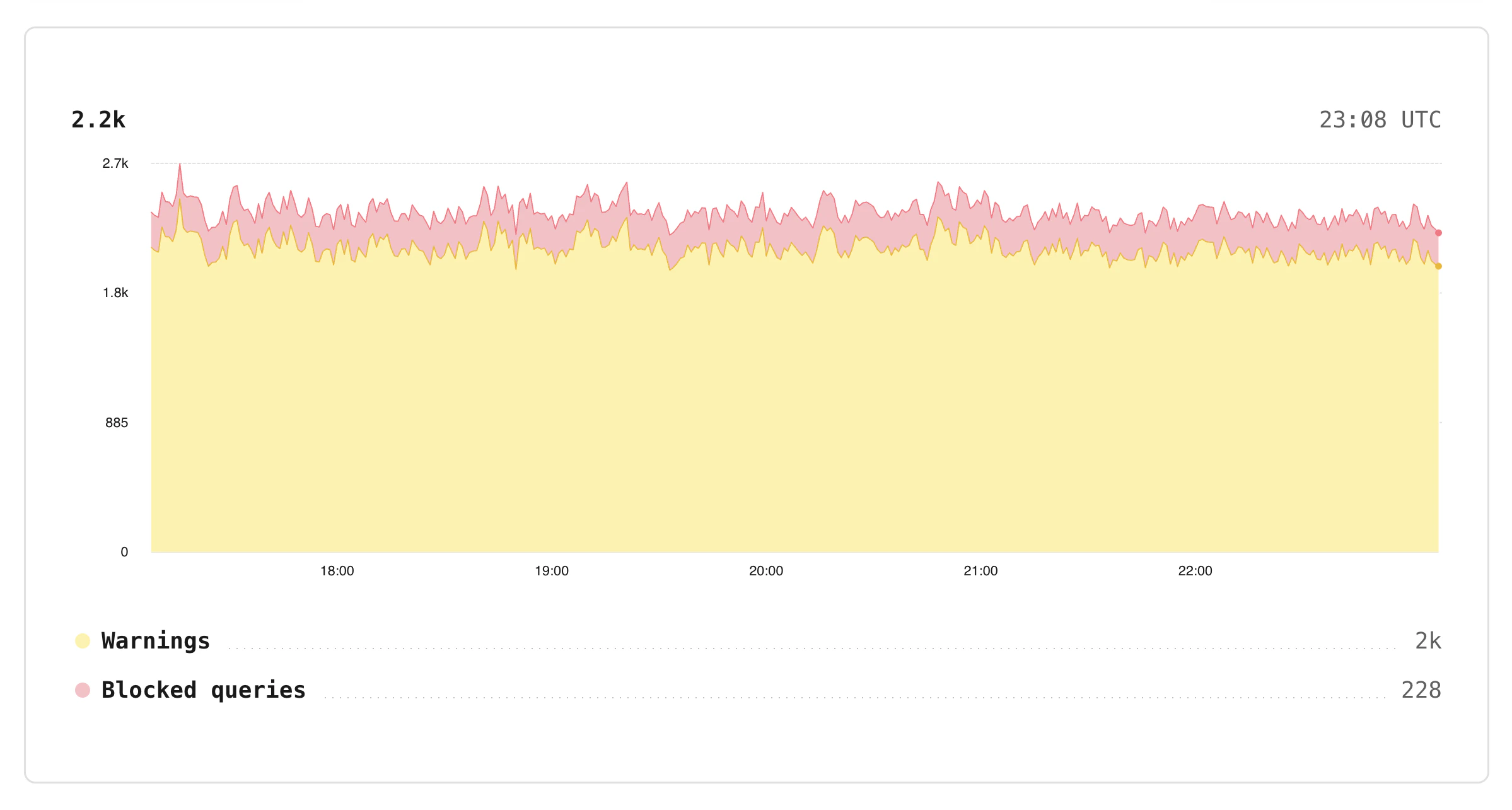
The decision to Warn or Block a query is determined by the resource budget limits and mode.
- Configure limits for query traffic Resource budgets define how much specific traffic can use within the configured limits.
- Write rules to target queries, system attributes, and tags Resource budgets can apply to one or many queries matching against one or more rules, including each unique value for a selected tag.
- Define resource budgets per branch Resource budgets are unique to each Postgres branch, so you can experiment in staging before enforcing in production.
- Enforce, warn, or disable Dry‑run resource budgets before they block traffic by running in warning mode and inspecting logs.
- Warning thresholds on enforced budgets Set separate warning thresholds as a percentage of burst, per-query, or concurrency limits. Get early notice when workloads approach their limits, before queries are blocked.
How Database Traffic Control fits with Insights
Insights tracks performance at a per-query-pattern level and provides you with data to take action and improve overall performance. Database Traffic Control allows you to control which queries are allowed to execute by attaching limits to the same query activity that Insights observes.Database Traffic Control and pg_strict
Database Traffic Control and pg_strict are separate features that address different concerns:- pg_strict controls which query shapes a role is allowed to run (for example, preventing queries without appropriate predicates).
- Database Traffic Control limits how many resources a workload can consume over time.
Manage via CLI
You can manage Database Traffic Control budgets and rules using the PlanetScale CLI:traffic-control CLI reference for the full list of sub-commands and flags.
What Database Traffic Control is not
To set expectations clearly, Database Traffic Control is not:- A full web application firewall (WAF). It does not inspect HTTP‑level details or replace application‑side validation.
- A substitute for indexing, schema design, or query tuning.
- A global, cross‑cluster rate limiter.
- A replacement for application‑level rate limiting. It protects the database, but your application may still need to shape traffic earlier in the stack.
- A guarantee that queries will be given the resources they need. Traffic control rules are limits, not capacities.