

categories and products. Those
tables stay on the original shard while you add a second shard and create an
orders table sharded by a tenant_id column.
Prerequisites
- You will need a PlanetScale account
- An administrator of your PlanetScale organization must join the Neki Platform Preview.
This quickstart configures the placement of an empty table. For a table that
already contains rows, plan a data migration.
Add a shard
Use the same database andmain branch from the database quickstart guide. Each new shard will use the selected configuration profile’s cluster size and replica count.
- Dashboard
- CLI
1
Open the dashboard, then go to Clusters and select the
default
configuration profile.2
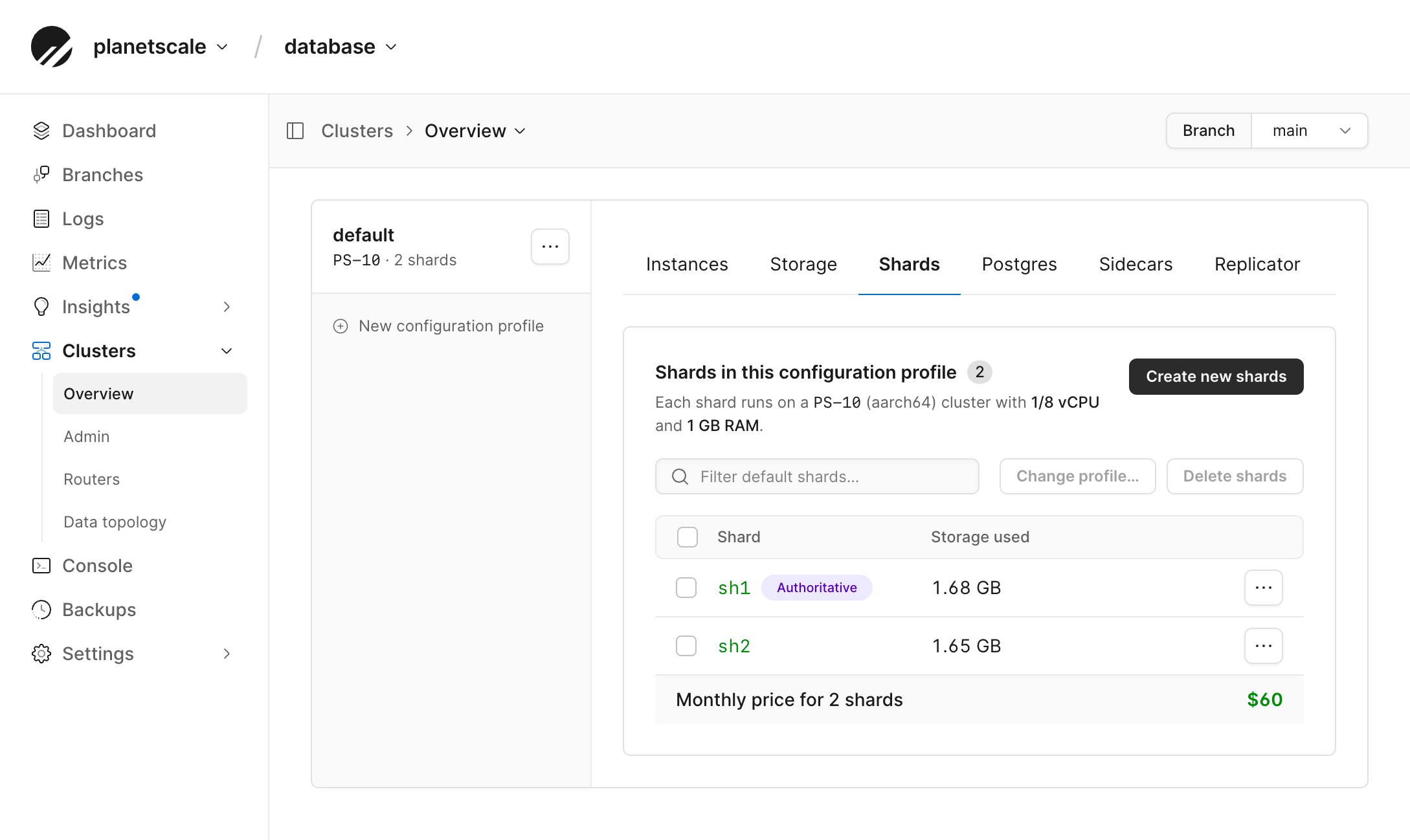
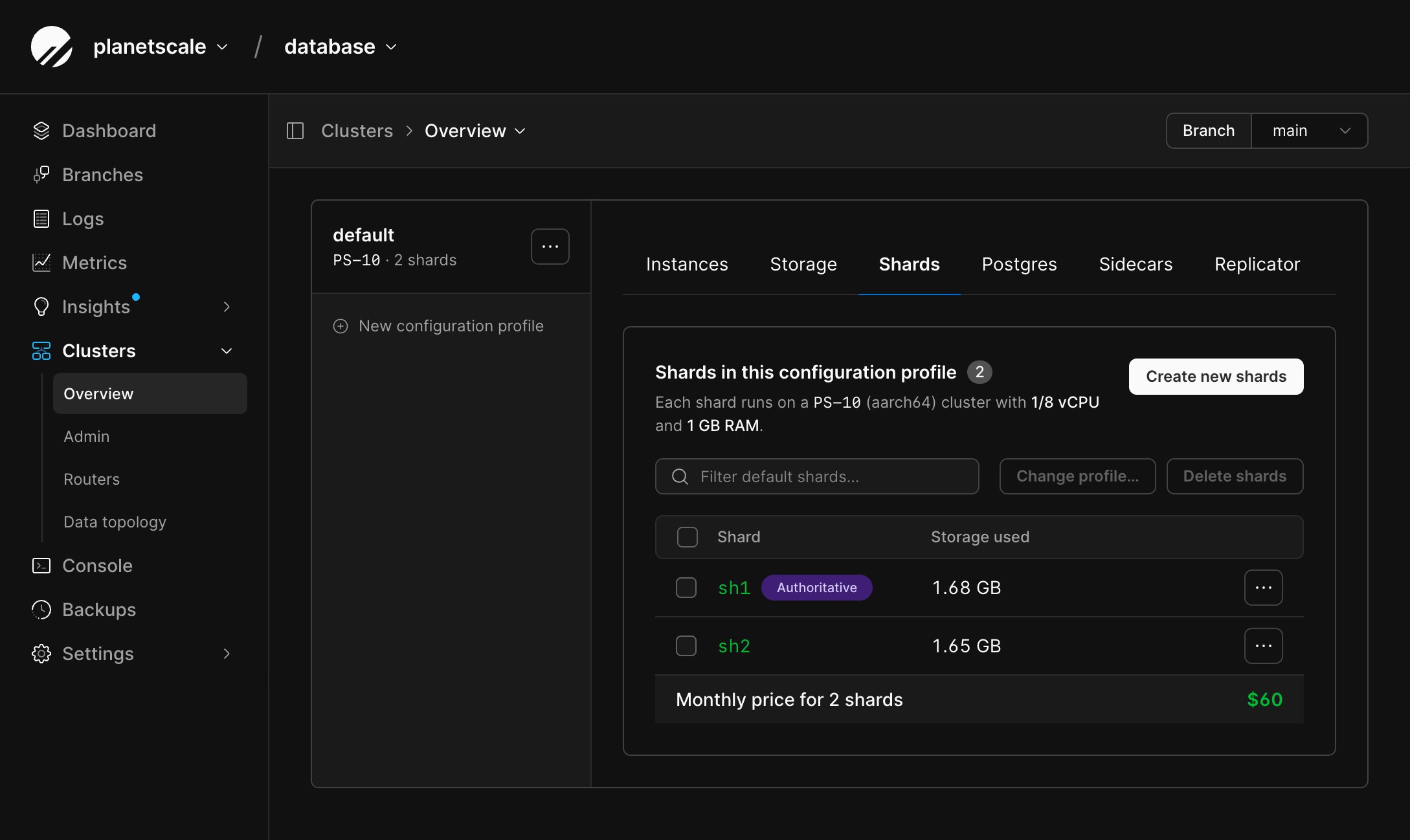
Open the Shards tab and select Create new shards.
3
Enter
1 for the number of shards to add, review the estimated cost,
and select Add shards.4
Wait until the new shard is ready.
Inspect the default topology
Go to Clusters > Data topology to view and edit the JSON document in the dashboard. Alternatively, make the following changes with the PlanetScale CLI. A new Neki database starts with one unsharded shard group. That group is both the default and the authoritative shard group.<SHARD_1>:
categories and products inherited the default shard group, so they stay on
<SHARD_1>.
The authoritative shard group must resolve to exactly one complete shard
range. Neki uses that group for cluster-wide metadata and sequences, including
identity columns. Changing it is a topology-wide operational change; verify
that the new group is complete and available before applying the replacement
document.
Save a copy of the current document before you replace it.
Create the orders table
Create a schema for the orders table. Do not insert rows yet.
Apply a two-shard topology
Replace<SHARD_1> and <SHARD_2> with the shard name from pscale branch shard list.
The orders_by_tenant group splits the keyspace at 80.
orders uses xxhash on tenant_id. Everything else keeps the original default.
data-topology.json and apply it via the CLI, or paste the same document into Clusters > Data topology and select Save changes.
orders should list under orders_by_tenant. categories and products
should still resolve to <SHARD_1>.
See Data topology for shard-index types, defaults, the
dashboard editor, and the SQL __neki.set_data_topology metafunction.
Insert and check routing
Insert two tenants. Neki hashestenant_id and sends each row to the matching
shard in orders_by_tenant.
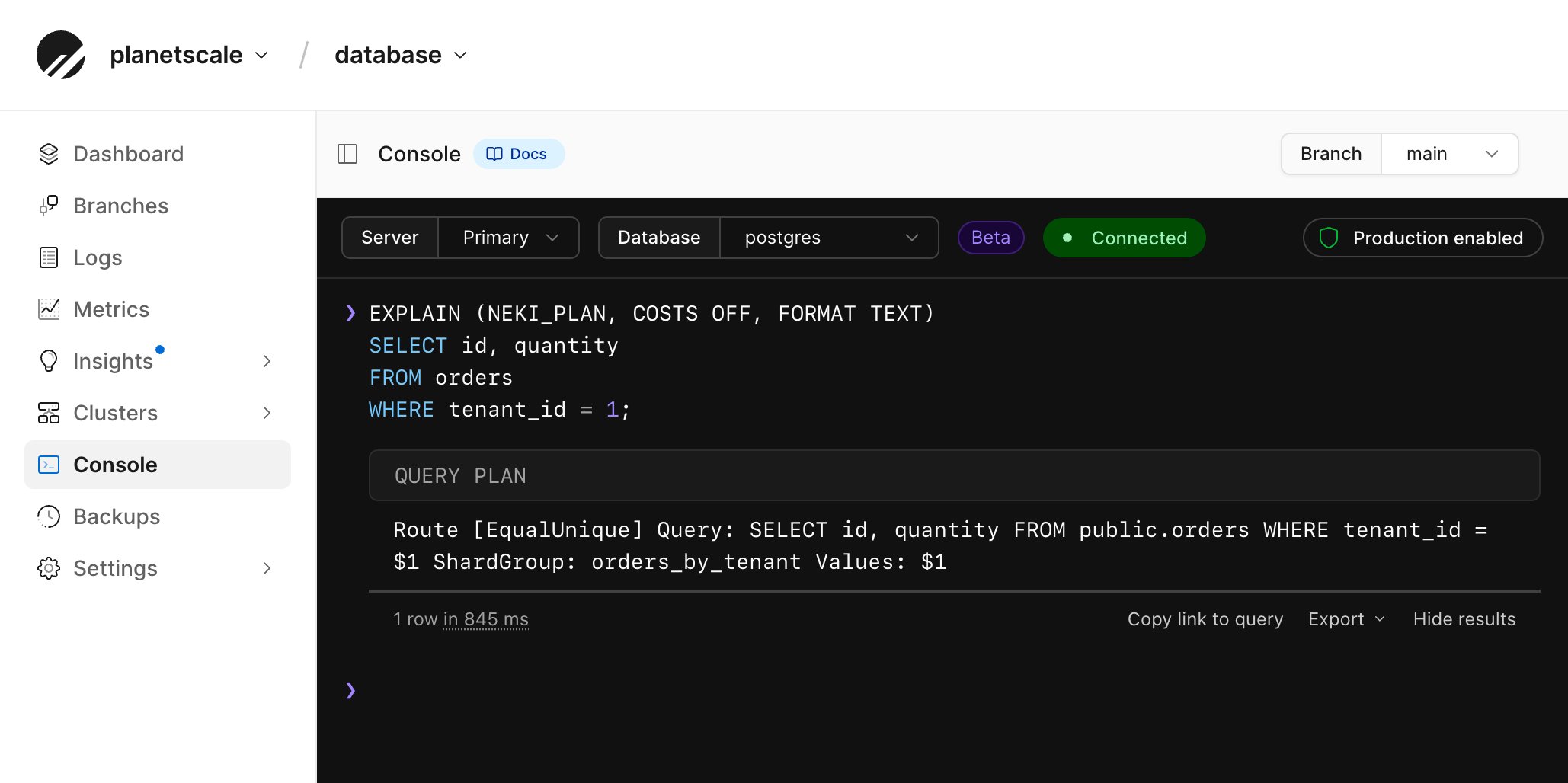
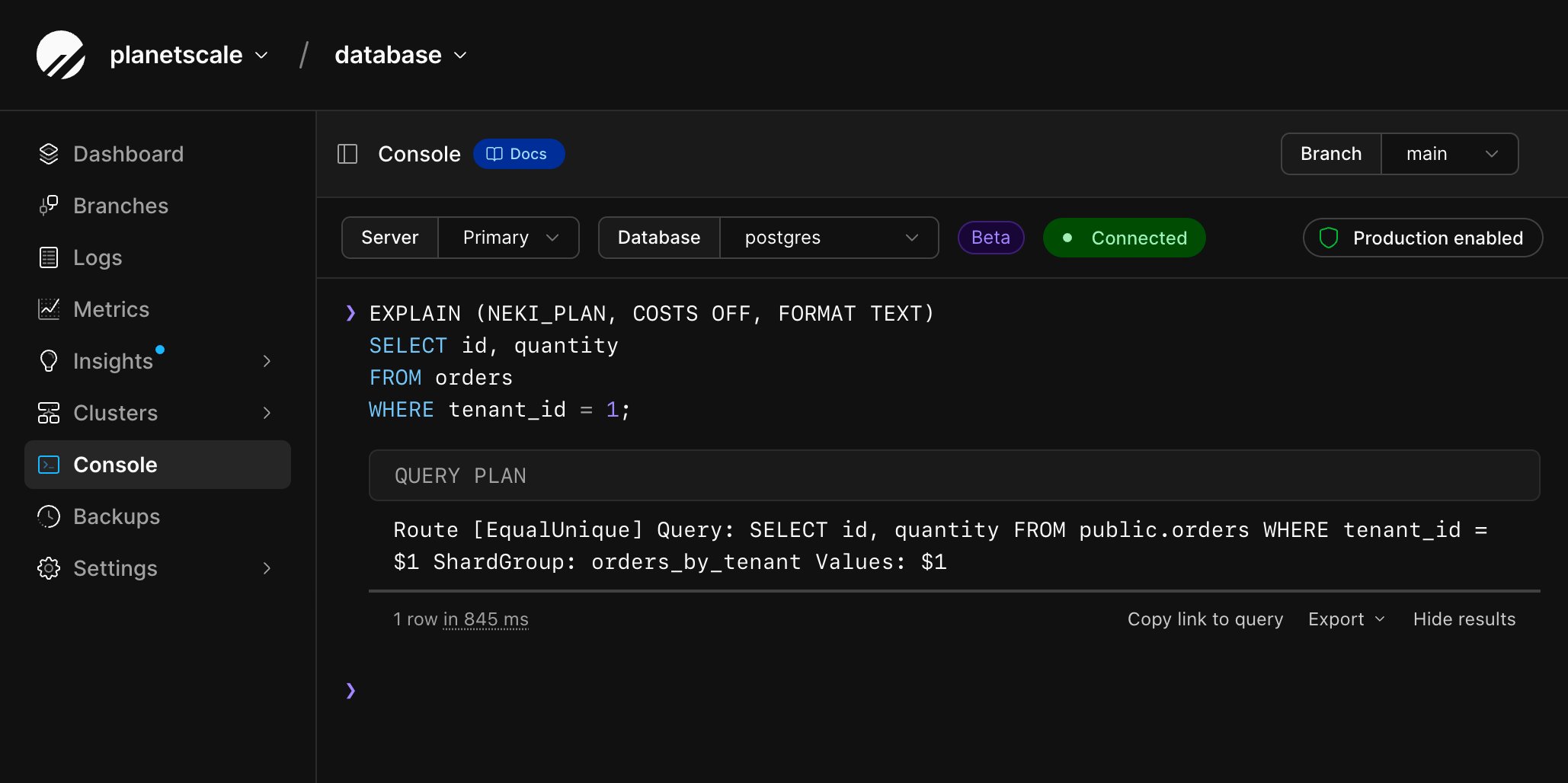
tenant_id can narrow the query to one shard:
Route [EqualUnique] means the query can be sent to a single shard.
Route [Scatter] means each shard computes a partial count, and Neki combines the results.
<SHARD_1> still holds categories and products.
Rows added to the orders table are now split across two shards.