

How it works
After connecting a GitHub or Cursor Origin repository to your PlanetScale database, you can initiate Insights agent runs. These run in a sandbox with access to the code from the repository, plus context about your database, such as schema and Insights performance data. Each Insights Agent run does the following:- Collect evidence. Insights Agent gathers data for the queries or recommendations the run targets, such as query patterns, rows read compared with rows returned, index usage, how often a query runs, and query tags.
- Clone the repository. The connected repository is cloned into a temporary sandbox.
- Analyze the code. The agent finds the code responsible for the queries and decides whether a change is justified. Changes follow the conventions already in your repository, such as your ORM, framework index APIs, and migration tooling.
- Open a pull request. If the agent finds a worthwhile change, it opens a pull request that explains what changed and why. On Vitess databases that meet the requirements, it also opens a linked deploy request.
Prerequisites
In order to use, you must first have the following configured.- Insights Agent and LLM usage enabled for your organization. Insights Agent is on by default. See Turn Insights Agent on or off.
- A connected repository. An organization administrator connects a GitHub or Cursor Origin repository to the database. See Connect a repository.
- A payment method on file. Organizations without a payment method, or with unpaid invoices, can’t start runs.
- The Manage Insights Agent permission to start runs or change schedules. See Permissions.
Turn Insights Agent on or off
Insights Agent is on by default. Organization administrators can turn it on or off from Settings > AI features in your organization. It takes no action until a repository is connected to a database. Insights Agent depends on the LLM usage setting, so turning off LLM usage also turns off Insights Agent.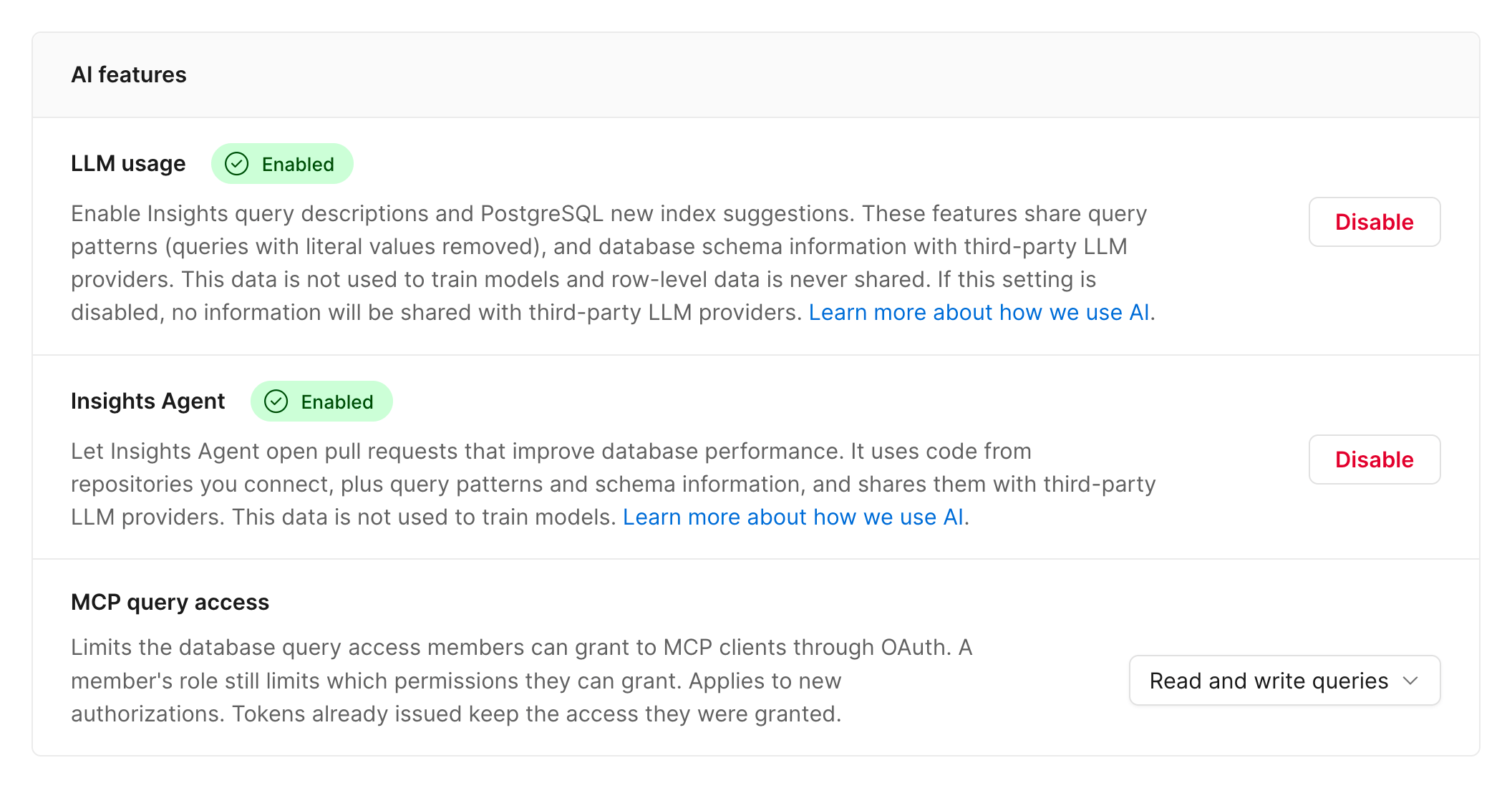
Connect a repository
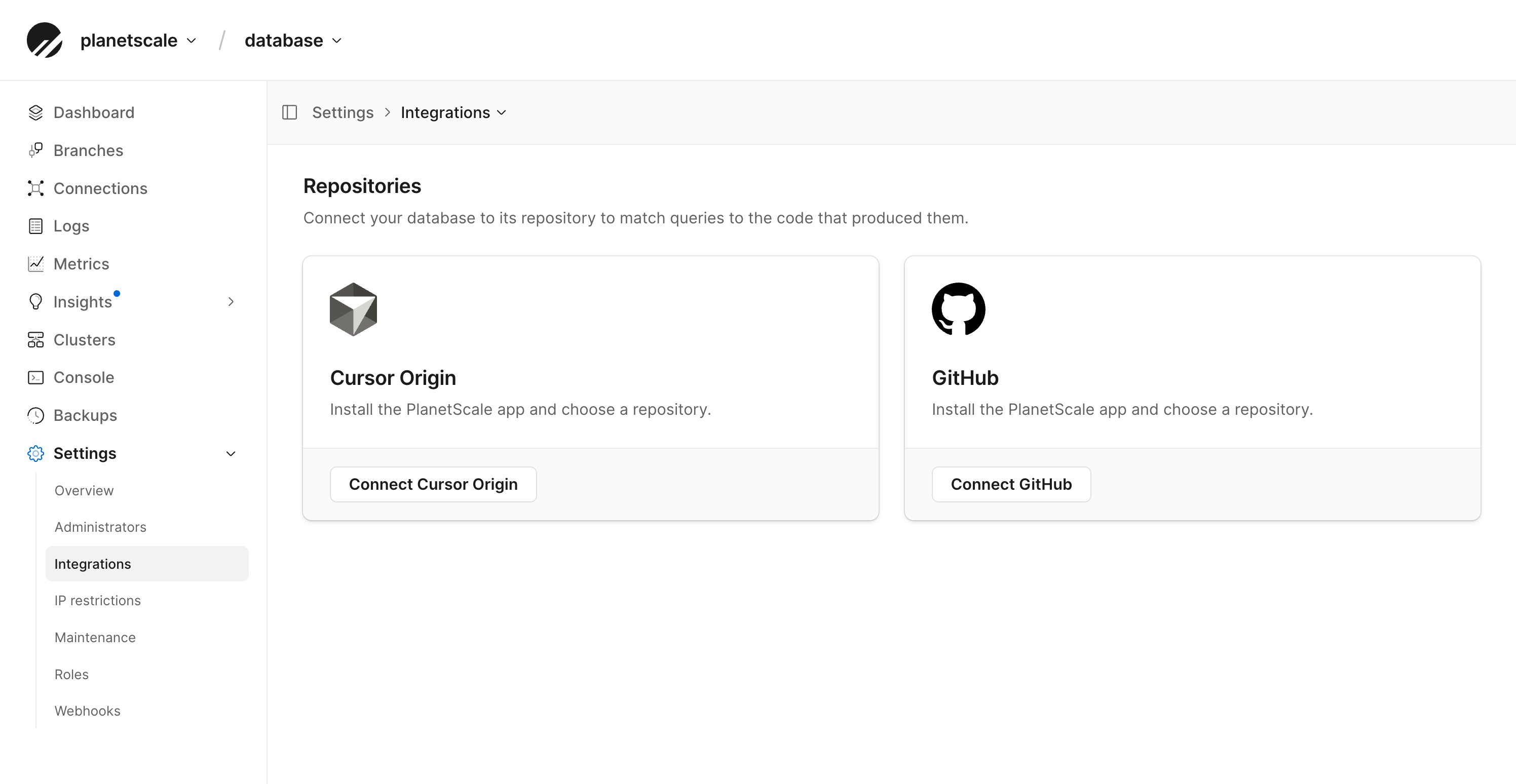
You need to connect your database to the repository that contains its associated application code.- In the PlanetScale dashboard, select your database.
- Go to Settings > Integrations.
- Under Repositories, click Connect Cursor Origin or Connect GitHub.
- Install the PlanetScale app on your account or organization when prompted, then choose a repository.
Run types
Slow query runs
Slow query runs look for slow queries in Insights and for changes that would speed them up. That might be application code, such as an ORM call or a large list of literal values, the SQL itself, or a new index added through your migrations. Slow query runs don’t change database settings.Schema recommendation runs
Schema recommendation runs take open schema recommendations and make the equivalent change in your repository, including a migration in the format your project uses, if applicable. Schema recommendation runs act on the following recommendation types:- Adding indexes for inefficient queries
- Removing redundant indexes
- Dropping unused indexes
- Preventing primary key ID exhaustion
- Upgrading legacy character sets and collations
Start a run
From a query or recommendation
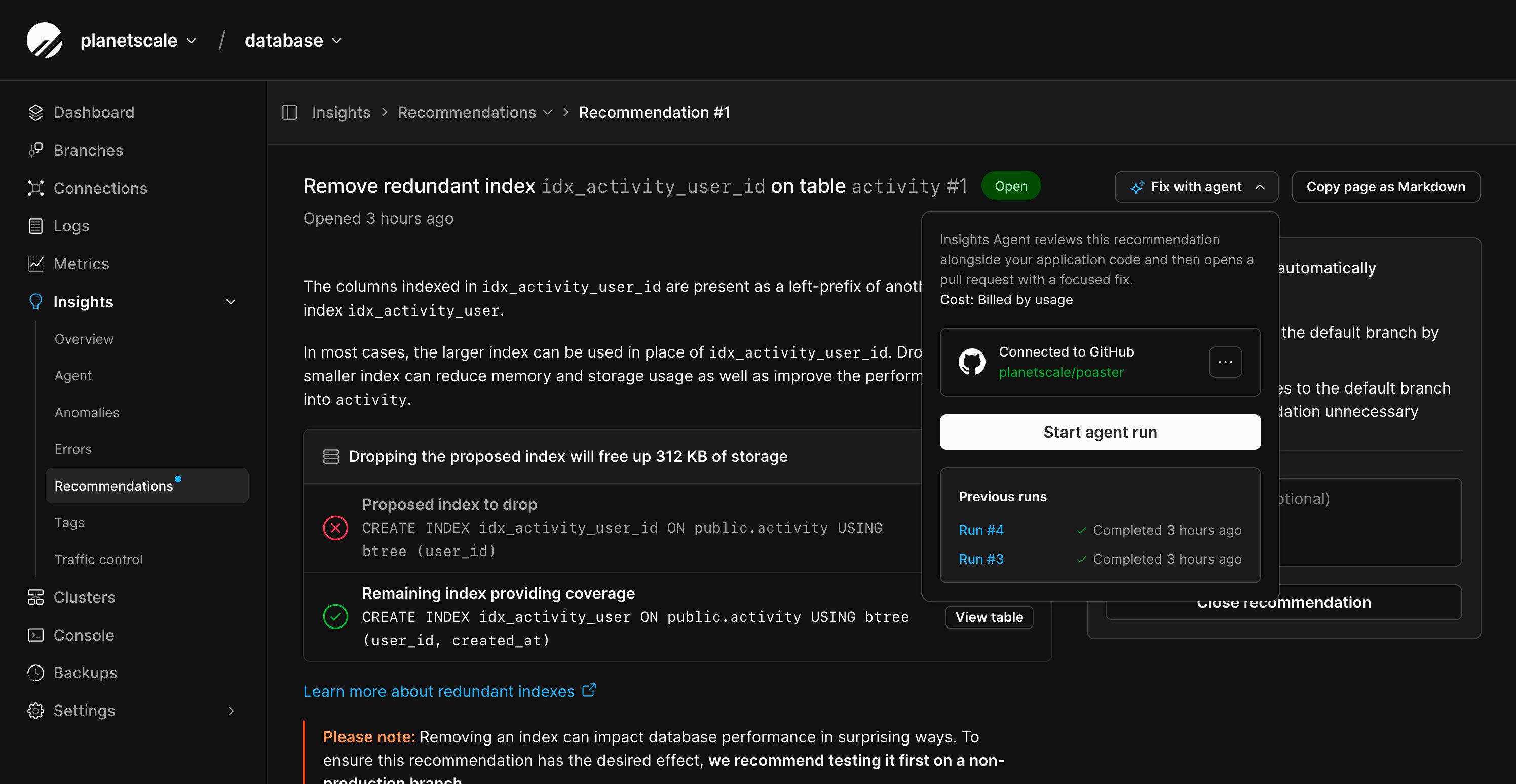
Query detail pages and schema recommendation pages in Insights have a Fix with agent button. Click it, check the connected repository, then click Start agent run. This menu also lists previous runs for that query or recommendation.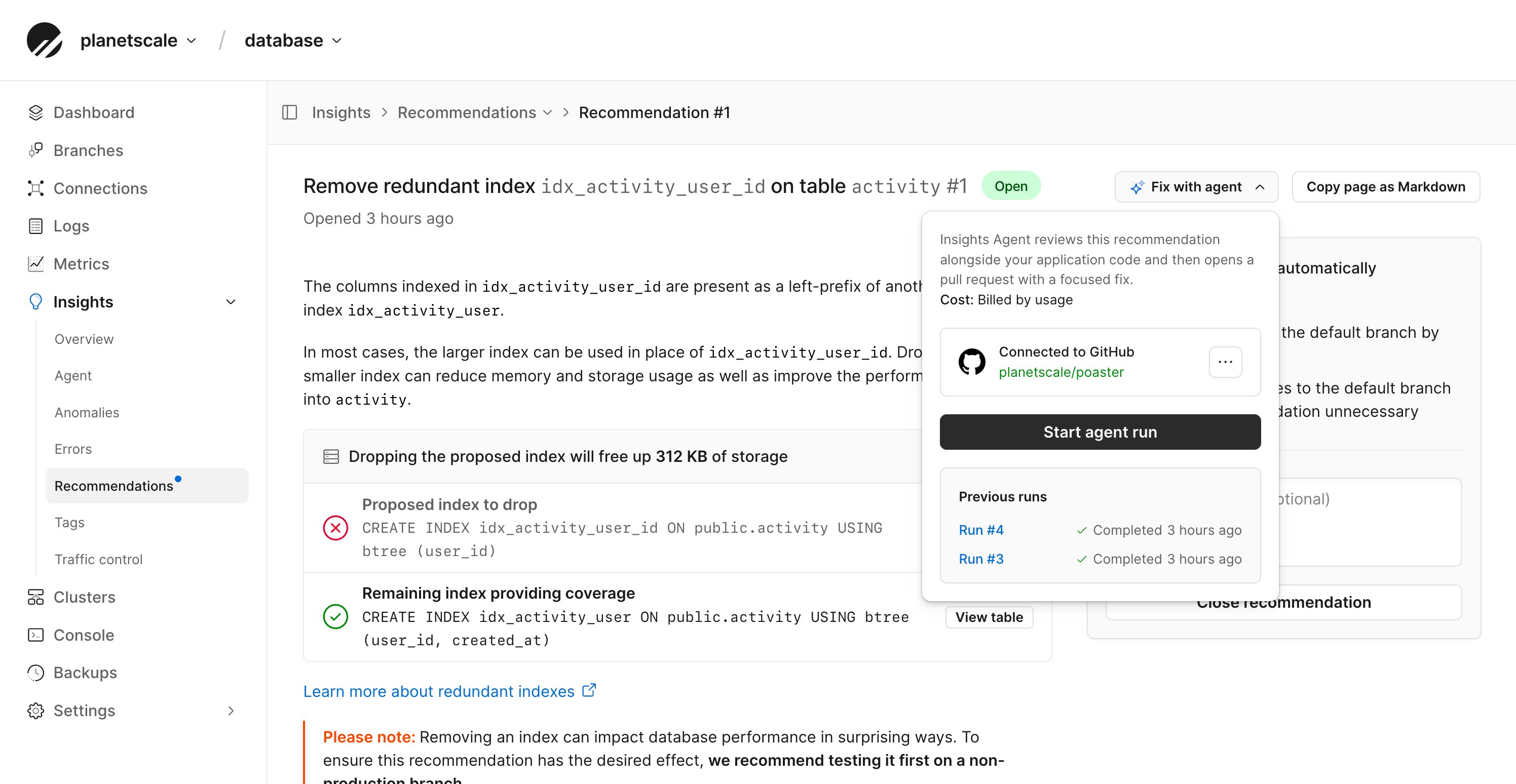
On a schedule
Each run type has its own schedule on each branch.- Go to Insights > Agent and select a branch.
- Turn on Enable automatic recommendation runs or Enable automatic slow query runs.
- Set Run at to a time of day, and Repeat to Daily, Weekly, or Monthly. Weekly schedules run on a day of the week, and monthly schedules on a day of the month or the last day.
- A recommendation run is skipped when the branch has no open recommendations the agent can act on, or when all of them already has an open pull request from Insights Agent.
- A slow query run is skipped when no queries from your application appeared in Insights in the last 24 hours.
Schema recommendations are generated only for a database’s default branch, so schedule recommendation runs on that branch.
Follow a run
Go to Insights > Agent to see every run on a branch, with its status, its run type, whether it was scheduled or started manually, and who started it.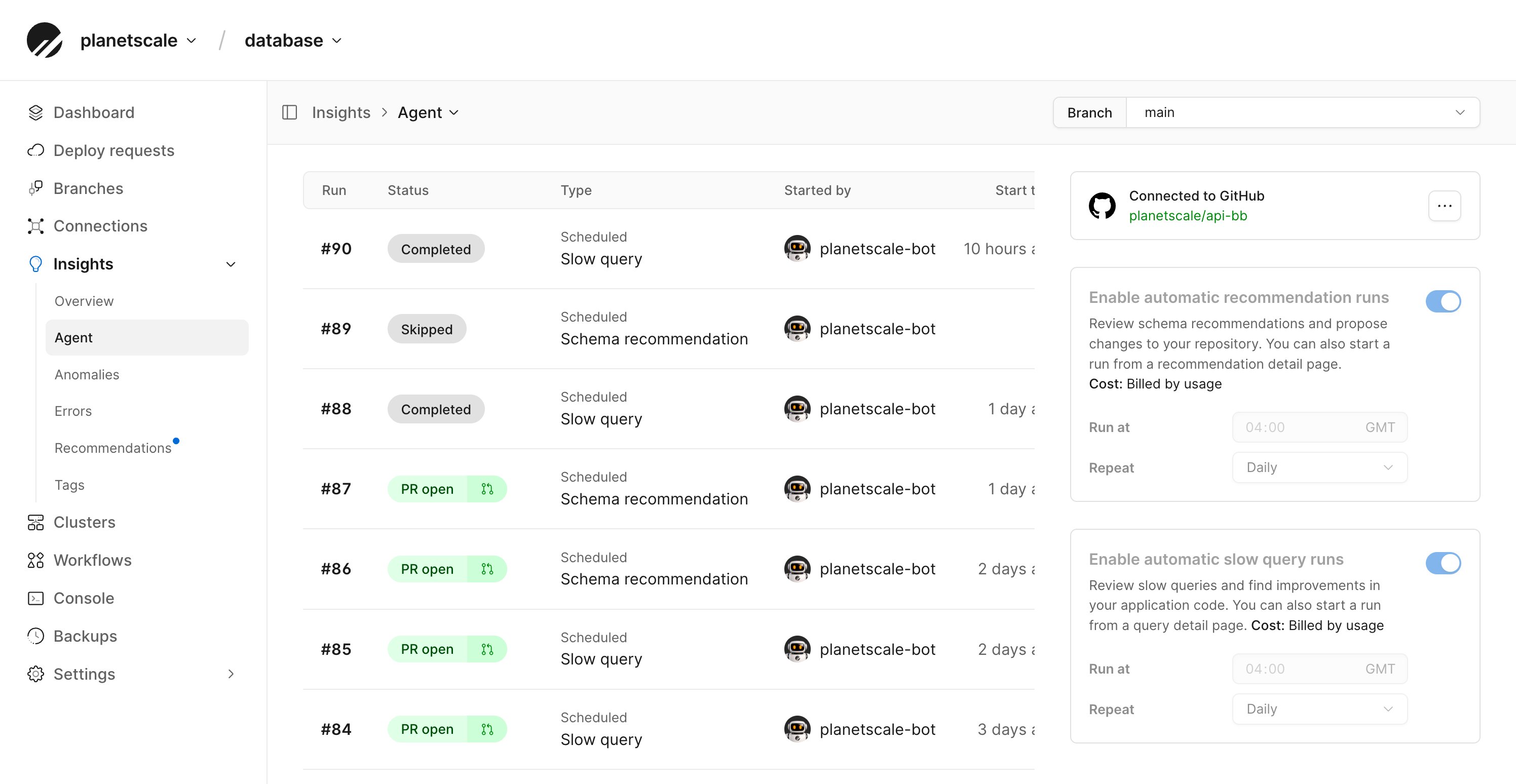
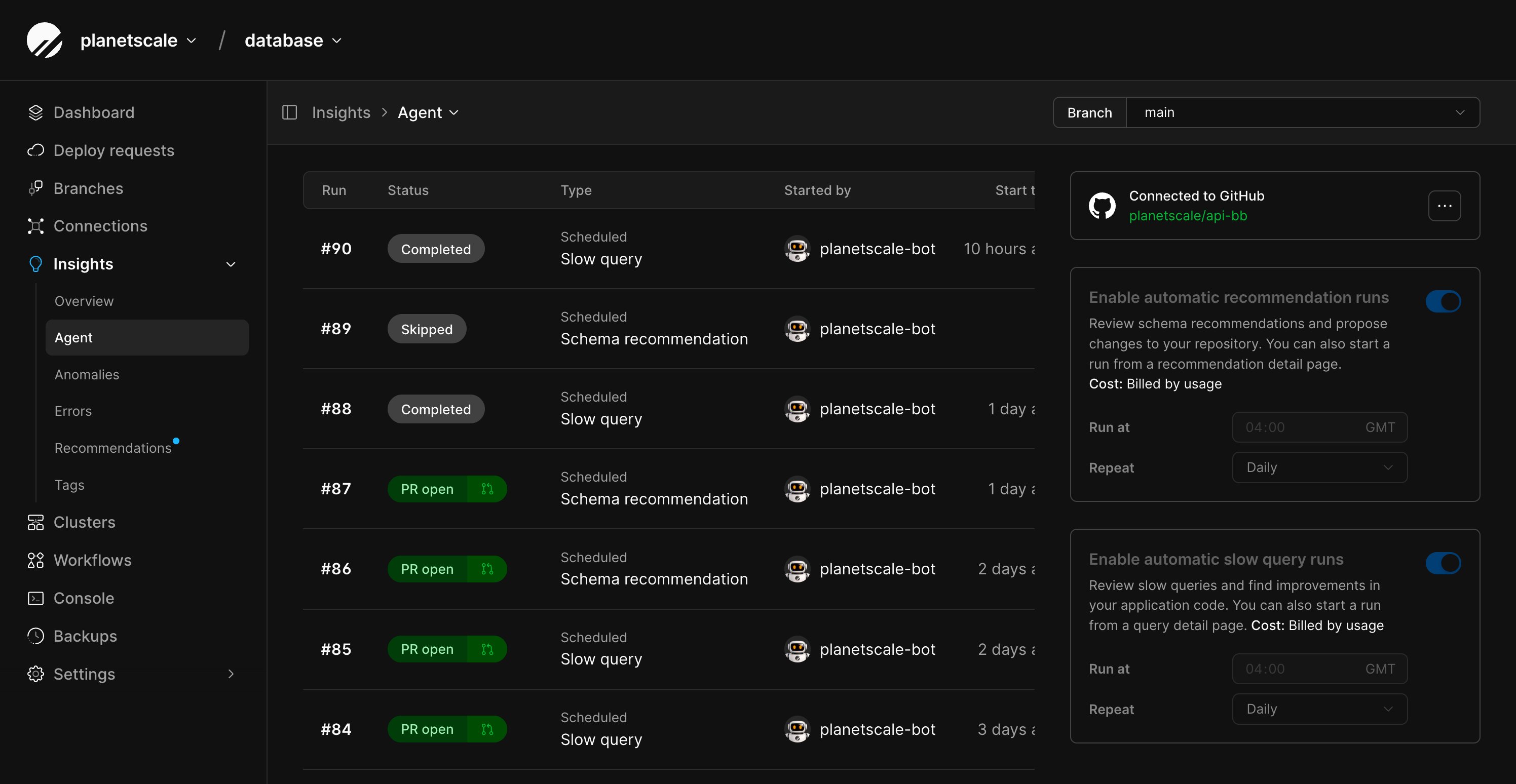
Select a run to see its timeline: the queries or recommendations it loaded, each stage as it happens (setting up the sandbox, collecting evidence, cloning the repository, analyzing the codebase, and opening the pull request), and the result.
Slow query runs also graph the query’s p50 and p95 latency from the day before the run, and indicate when the pull request merged so you can compare before and after.
To stop a run that hasn’t finished, click Cancel agent run on the run page.
A cancelled run can’t be resumed, but you can start a new one.
Review the pull request
Pull requests from Insights Agent explain the problem with links to the affected queries or recommendations in Insights, describe the fix, and link back to the run in PlanetScale. Review them like any other pull request: run your CI, test the change, and merge or close it.Deploy requests on Vitess
On a Vitess database, a schema change in the pull request also gets a deploy request when the database has safe migrations turned on and Automatically copy migration data configured. Insights Agent:- Creates a development branch named
insights-agent-<run ID>from the run’s branch. - Runs your repository’s migration tool against that branch.
- Opens a deploy request into the run’s branch, linked from the pull request.
Postgres and Neki
On Postgres and Neki databases, schema changes are included in the pull request as migrations that follow your project’s conventions. Apply them through your usual migration and deployment process.Limits
- One repository per database.
- One active run per branch, and up to three active runs per organization. Additional runs are queued.
- Up to five queries or recommendations per run. Related queries or recommendations can be combined into one run.
- No custom instructions. Insights Agent infers your conventions from your code. It doesn’t read instruction files like
AGENTS.md, and the prompt can’t be edited. To control the prompt yourself, see Insights Agent or your own agent.
Billing
Each completed run is billed by usage, based on the tokens used to investigate and prepare the change. The run page shows each run’s cost.- Completed runs are billed, including runs that finish without proposing a change.
- Skipped, failed, and cancelled runs are free.
- Charges appear on your monthly invoice under Insights Agent, with a count of completed runs.
- The development branch created for a deploy request is billed like any other development branch while it exists.
Permissions
Security and data
- Runs happen in a sandbox that exists only for the duration of the run.
- Each run gets short-lived credentials scoped to cloning the connected repository and reading Insights data. They’re revoked when the run ends.
- Insights Agent sends code from the connected repository, query patterns, and schema information to third-party LLM providers. This data isn’t used to train models. See How PlanetScale uses AI.