

Configuration is scoped to the selected branch. Use the branch selector at the
top of the page before making a change.
By default, an organization can use up to 16 shards in one Neki cluster and 51
total cluster nodes. The node budget includes every Postgres primary and
replica plus router instances. When router autoscaling is enabled, its
configured maximum counts toward the limit. Organization-specific limits can
differ; the dashboard and API return the applicable limit when a requested
change would exceed it.
Only a database administrator can change cluster configuration. The branch
must also be ready before the dashboard enables its configuration controls.
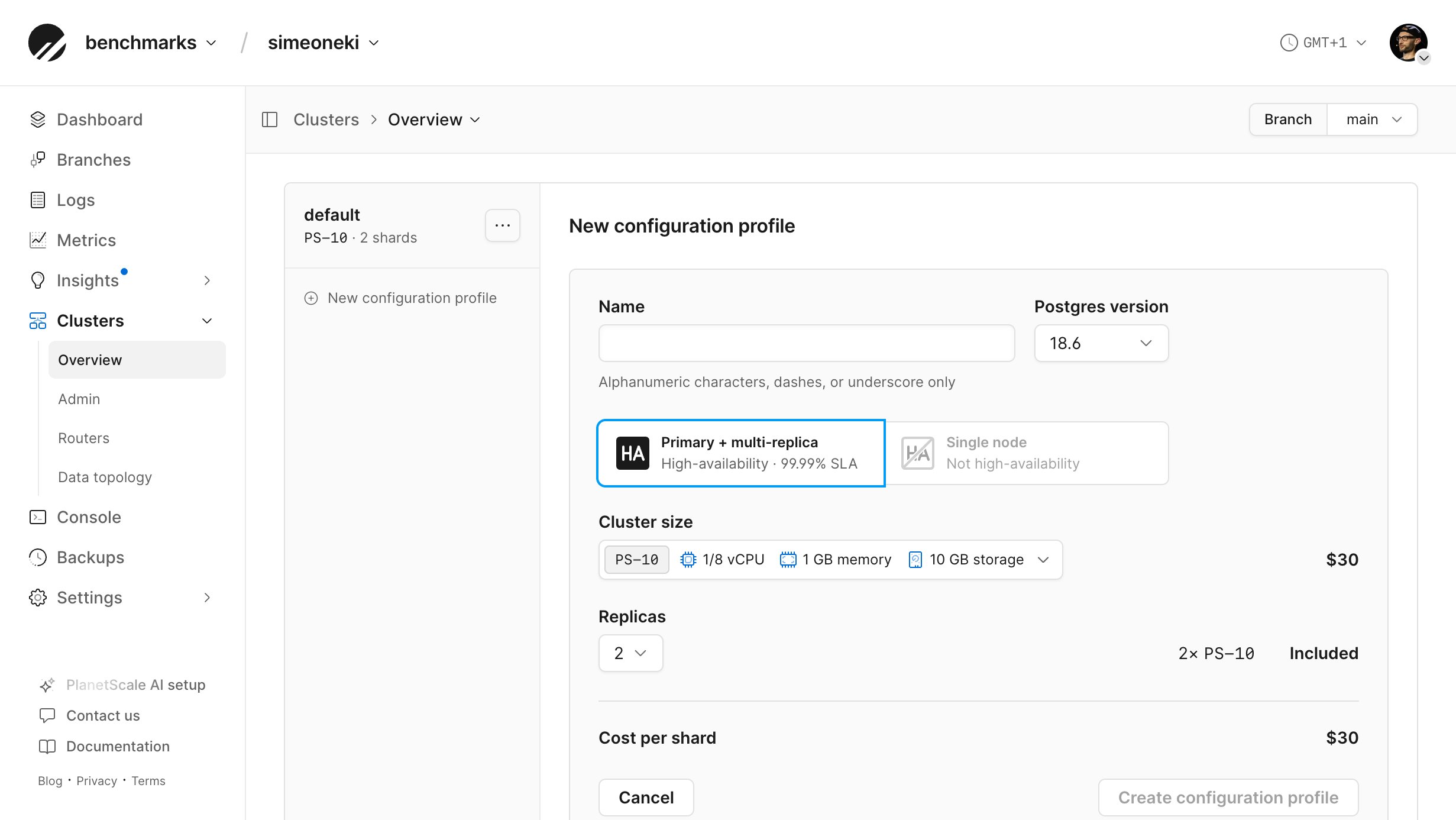
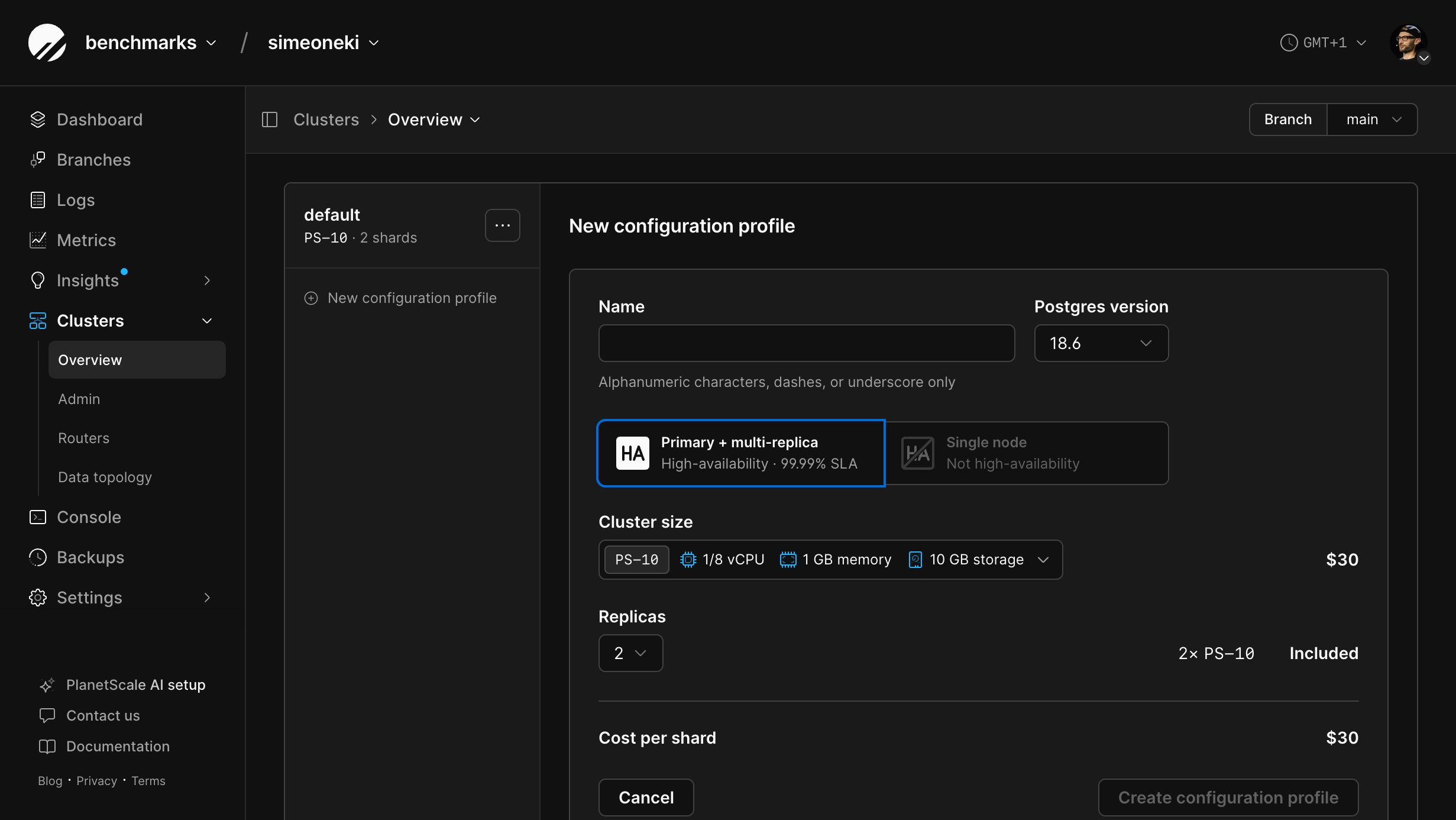
Configuration profiles
Every shard is assigned to a configuration profile. Multiple profiles let you give different groups of shards different cluster sizes, replica counts, storage settings, parameters, or extensions.
The profile list shows the cluster size and number of assigned shards. Change a
profile’s name from its Instances tab. The profile’s action menu lets you
make it the default or delete it when the current configuration permits
deletion. Setting a new default does not move existing shards between profiles.
You cannot delete the default profile or a profile that has shards assigned to
it. To delete another profile, first assign all of its shards to other profiles.
Postgres versions
The Postgres major version of an existing configuration profile cannot be changed. You can select the version when creating a new configuration profile.Configure profile instances
The Instances tab changes the profile name, Postgres minor version, cluster size, replica count, or read-only replica count. Those changes apply to every shard assigned to the profile. See Cluster sizing to choose and apply a size, and Database replicas for high availability and read-only routing. Production branches receive scheduled platform updates during their weekly maintenance window.Configure profile storage
The Storage tab controls network-attached disk capacity, storage autoscaling, and configurable IOPS and bandwidth for a network-attached storage profile. A Metal profile shows the fixed local NVMe capacity provided by its cluster size. See Neki pricing for billing implications.Manage shards
The Shards tab shows the shards assigned to the selected configuration profile, including their readiness and storage usage. It also highlights the authoritative shard. From this tab, you can:- Create one or more shards in the selected profile.
- Rename a shard.
- Assign compatible shards to another configuration profile.
- Delete shards.
Assign shards to another profile
Moving a shard to another configuration profile changes the infrastructure settings that apply to that shard. The target profile must use the same architecture, and the shard’s current storage usage must fit within the target cluster’s storage capacity. If the branch has only one configuration profile, create another compatible profile before Change profile becomes available.1
Open Clusters and select the configuration profile that currently contains the shard.
2
Select Shards.
3
Select one or more shards, then select Change profile….
4
Select a compatible configuration profile.
5
Select Change profile.
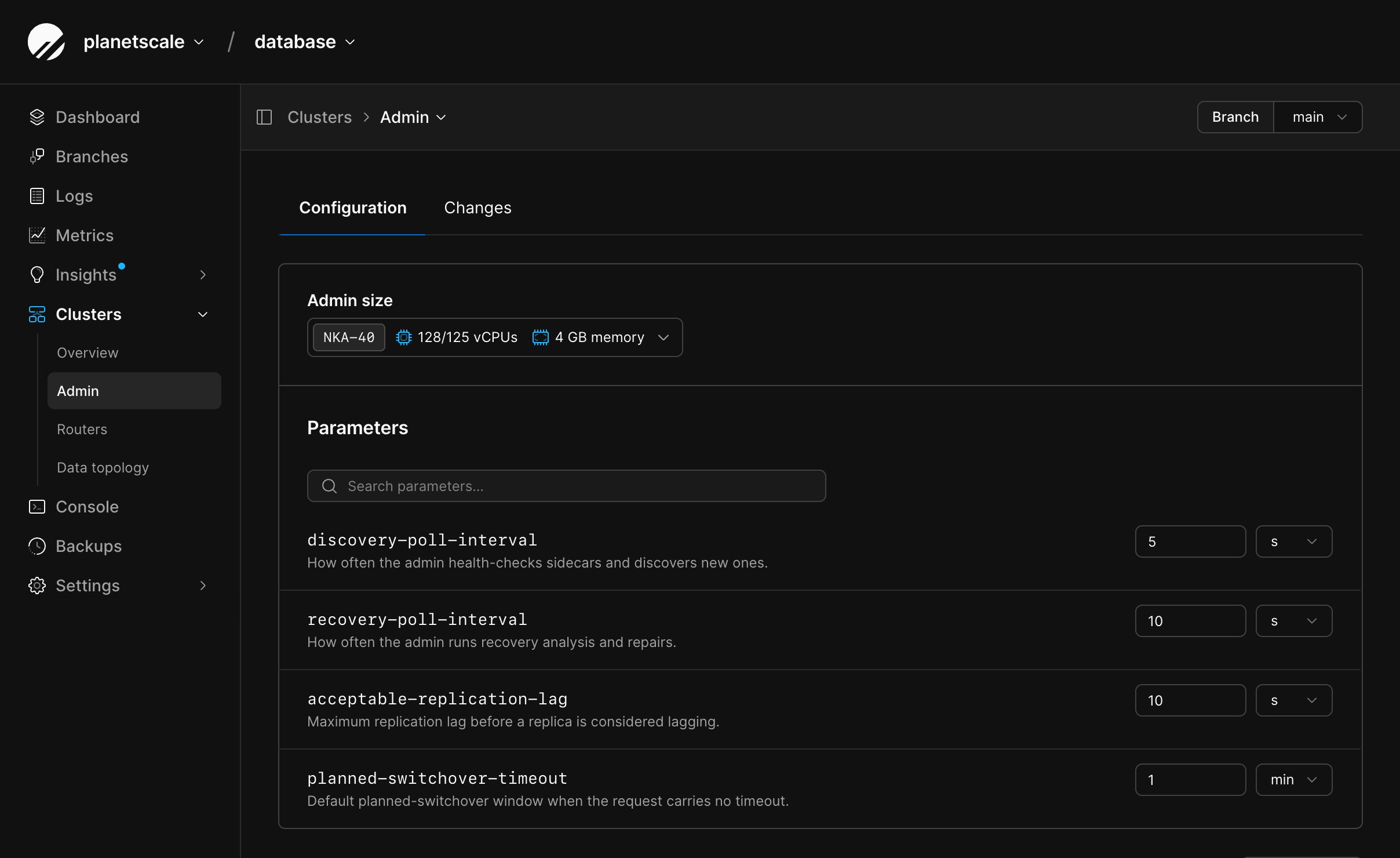
Configure the admin service
The Neki admin service monitors the sidecars beside each Postgres instance, analyzes cluster health, and coordinates repairs such as replica recovery and primary failover. Its configuration is separate from configuration profiles and router groups.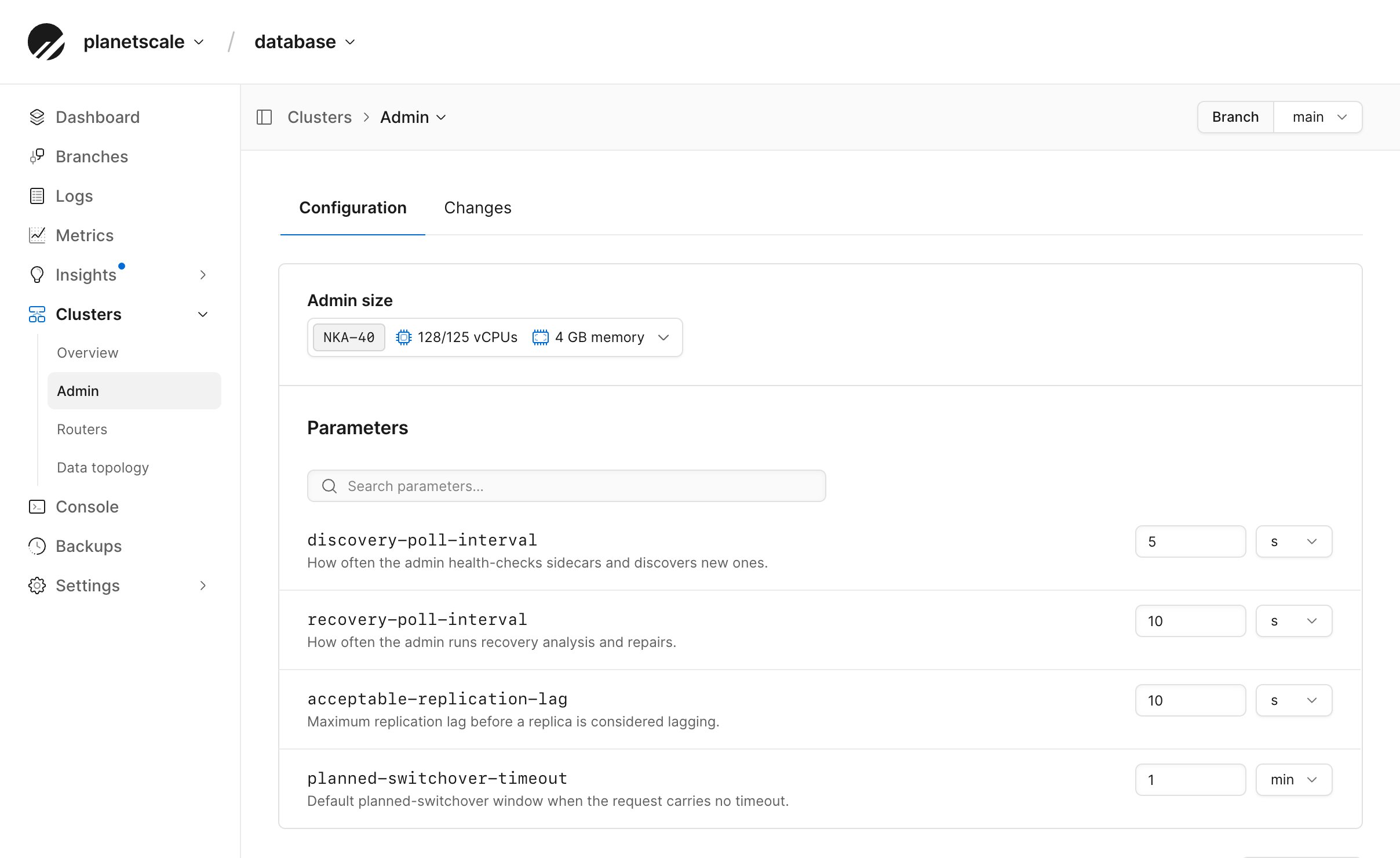
Configure router groups
Router groups are managed separately from configuration profiles. Open Clusters, then select Routers from the navigation. Each named router in this area represents one router group. Selecting it opens these tabs:
The default router group cannot be deleted. You can create additional groups, then choose the group when you connect to Neki.
Create a router
1
From the PlanetScale dashboard, select your Neki database and branch.
2
Open Clusters, then select Routers.
3
Select New router.
4
Enter a name, select a router size, and choose the number of replicas per availability zone.
5
Select Create router.
Track configuration changes
Selecting Apply now creates a change that PlanetScale applies asynchronously. View the selected object’s Changes tab for a summary. Wait for a change to complete before relying on the new configuration. PlanetScale’s orchestration layer reconciles these requested settings with what is already running. The change history reflects that asynchronous work rather than an immediate in-place edit. You can cancel a pending configuration change from the Changes tab. If you make another configuration-profile change while one is active, Neki saves the new change as a draft. You can apply or discard that draft from the profile or its Changes tab.Manage Neki infrastructure with the CLI
Neki infrastructure commands are grouped beneathpscale branch:
The
pscale branch reference lists every nested operation and flag. Run a command group with --help to see the same details in the CLI:
changes list commands include a Changes column that
summarizes each size or parameter change from its previous value to its new
value. List available Neki cluster sizes with pscale size cluster list --engine neki,
admin SKUs with pscale branch admin sizes <DATABASE> <BRANCH>, and router
SKUs with pscale branch router sizes <DATABASE> <BRANCH>.
Extension commands require the database, branch, and profile. Enable and
disable also require the extension name: