- A PlanetScale database — If you haven’t created a database, refer to our PlanetScale quickstart guide to get started
- A Vercel account
- A project deployed to Vercel — If you’re just poking around and don’t already have an application to deploy, you can use our Next.js + PlanetScale sample
Get your connection string from PlanetScale
1
In your PlanetScale dashboard, click on the database you want to connect to.
2
Click “Connect”.
3
Create a new password. Make sure to copy the password, as you’ll only be shown it once.
4
Select the framework you’re using from the “Select your language or framework” section. This will give you the exact environment variable names you need for your selected framework. If your framework is not listed, choose “Other”.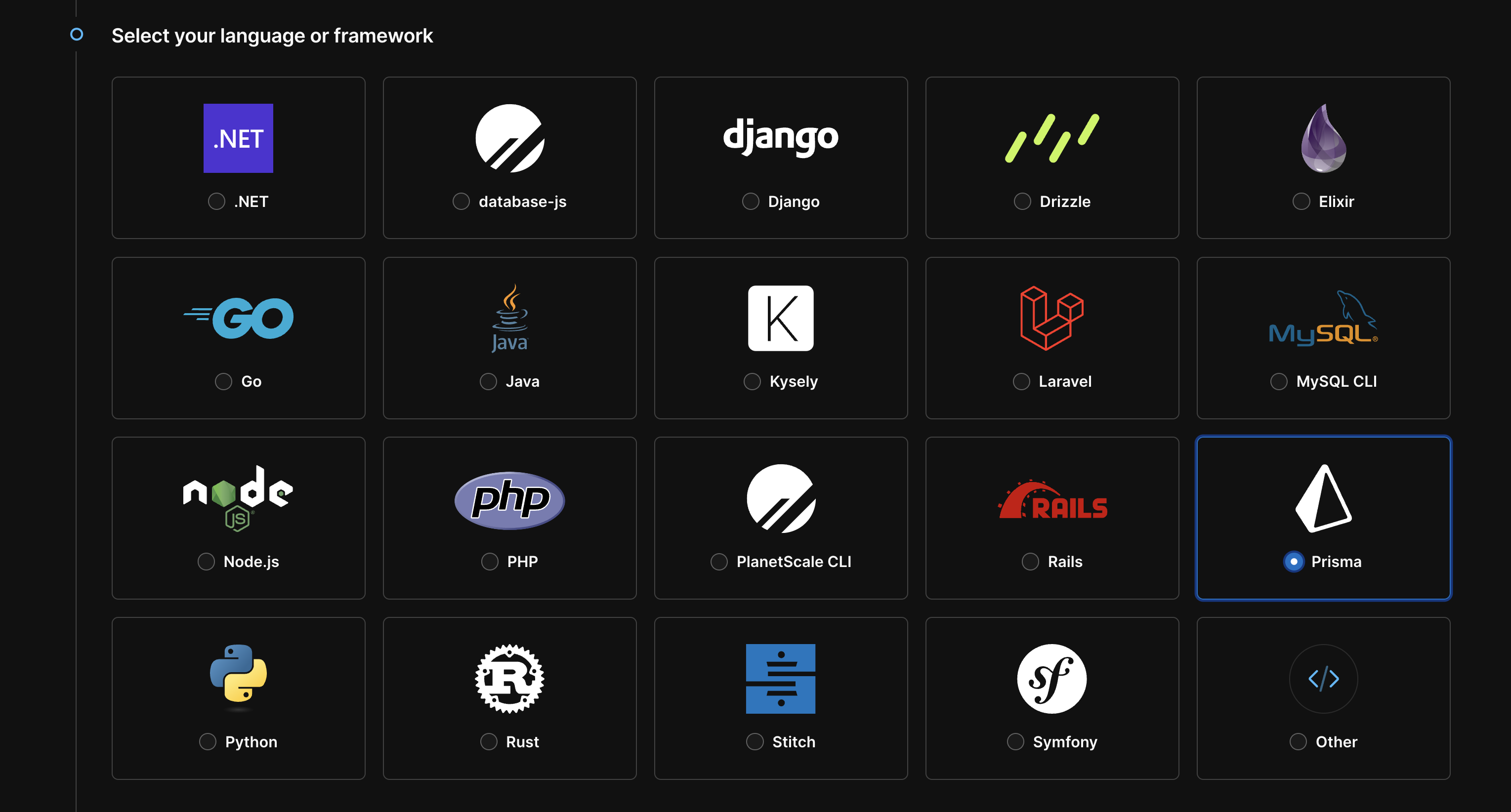
5
Keep this page open, as you’ll need to copy these to Vercel momentarily.
6
If you navigate away from the page, and can no longer access the password, create a new password by repeating steps 1-5.
Copy environment variables to Vercel
1
Go to your Vercel dashboard.
2
Click on your Vercel project.
3
Click “Settings”.
4
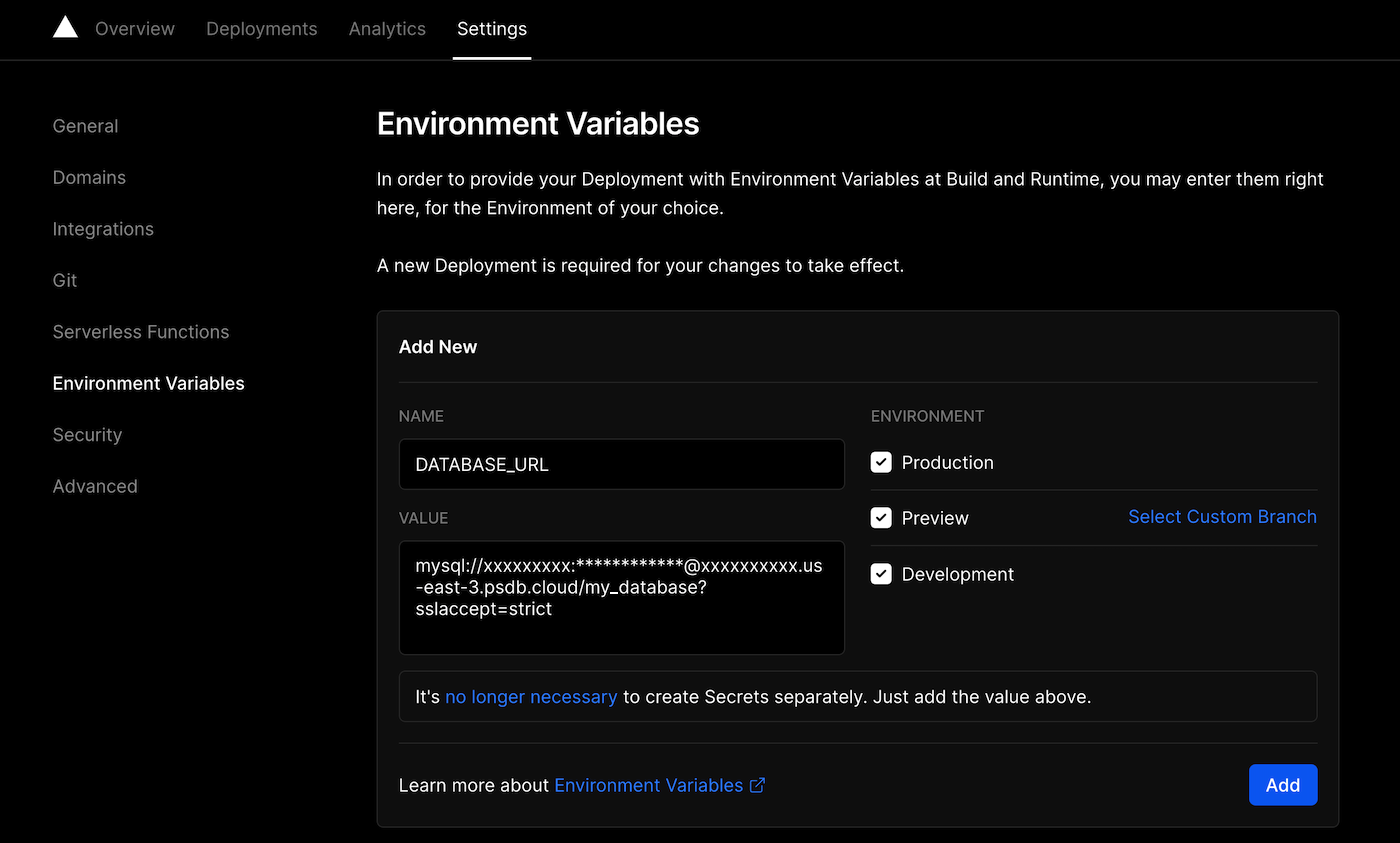
Click “Environment variables”.
5
Copy each value from your PlanetScale dashboard into a new environment variable in Vercel. Once you’re done with one, click “Add” and continue to the next, if applicable.
- NAME =
DATABASE_URL - VALUE =
mysql://xxxxxxxxx:************@xxxxxxxxxx.us-east-3.psdb.cloud/my_database?sslaccept=strict
The credentials are blurred for the example, but when you paste them in, use the actual values.