> ## Documentation Index
> Fetch the complete documentation index at: https://planetscale.com/docs/llms.txt
> Use this file to discover all available pages before exploring further.
# Security log
> The Security log gives you insight into recent authentication and other security-related `actions` for your account. Your security log also details when you performed each `action`.
## Overview
Security log events are retained for 6 months in your PlanetScale account.
## Review your security log
You can review your security log in your PlanetScale account settings.
1. Go to your [PlanetScale Security log](https://app.planetscale.com/settings/security-log) page.
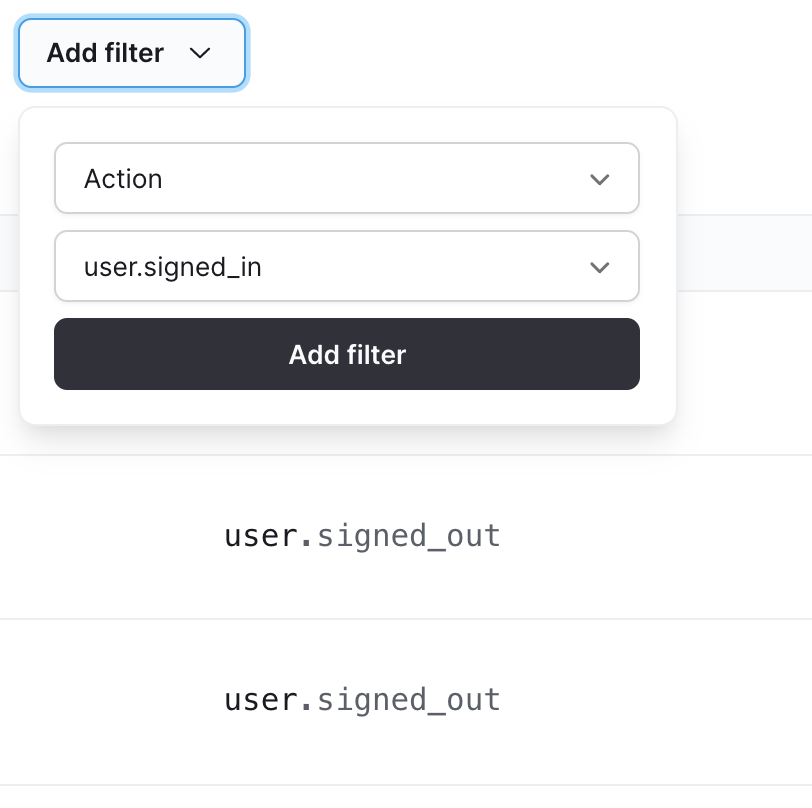
Once there, you can filter your Security log by `Action`.
 ## Security log events
You can track the following `events` in your PlanetScale account:
| PlanetScale security log events | Actions |
| :------------------------------ | :------------------------------------------------------------------------------------------------- |
| user | signed\_out signed\_in accepted\_tos updated\_name updated\_email enabled\_mfa disabled\_mfa |
## Need help?
Get help from [the PlanetScale Support team](https://planetscale.com/contact?initial=support), or join our [Discord community](https://pscale.link/community) to see how others are using PlanetScale.
## Security log events
You can track the following `events` in your PlanetScale account:
| PlanetScale security log events | Actions |
| :------------------------------ | :------------------------------------------------------------------------------------------------- |
| user | signed\_out signed\_in accepted\_tos updated\_name updated\_email enabled\_mfa disabled\_mfa |
## Need help?
Get help from [the PlanetScale Support team](https://planetscale.com/contact?initial=support), or join our [Discord community](https://pscale.link/community) to see how others are using PlanetScale.